

More to Discover
More improvements in LibreOffice 26.8 that make everyday work easier.
Writer
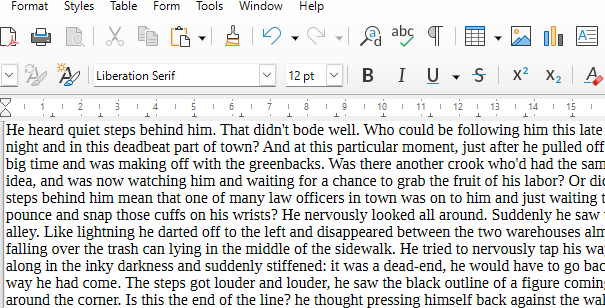
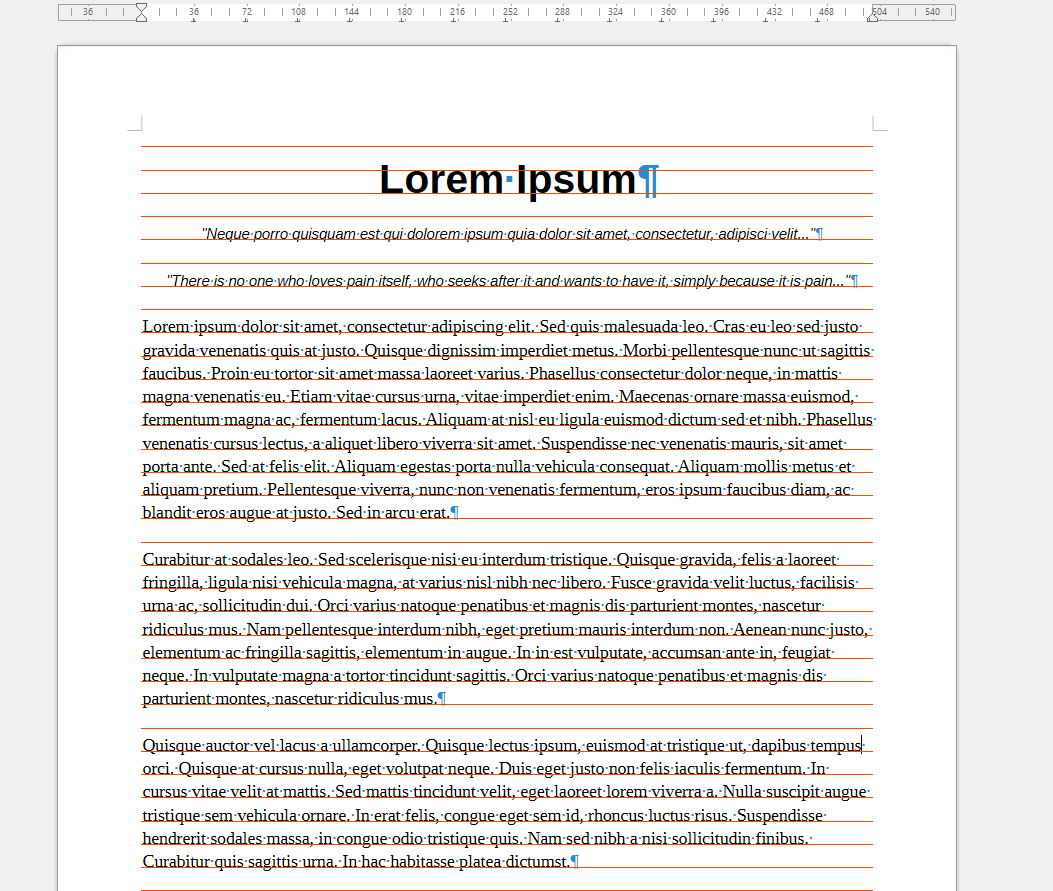
- The new Paragraph Composer balances word spacing across consecutive lines for better-looking justified text
- Quick Find in the Sidebar can now search through comments
- The Word Count dialog now shows counts before and after the cursor
- New option to stop typed text from replacing the current selection
- Page style names are now shown on page breaks
Calc
- New Shuffle command to randomize the order of cells in a range
- Pivot tables now support calculated fields
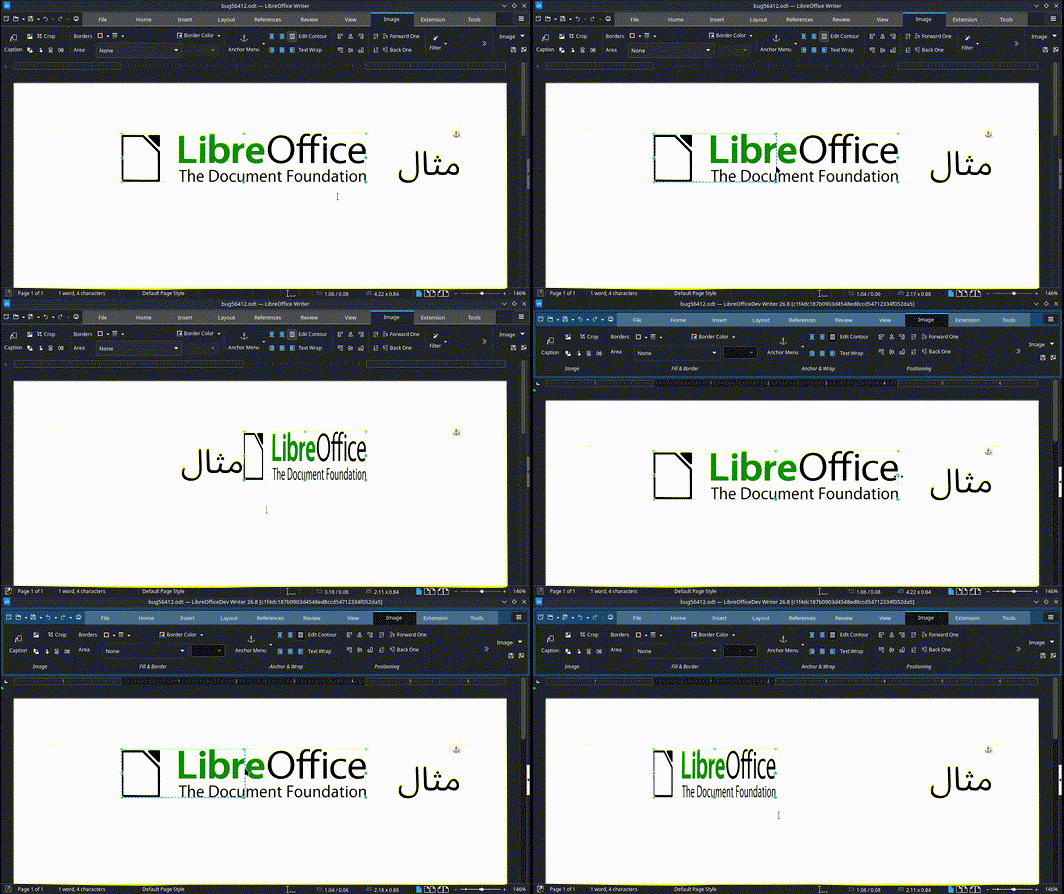
- Typing RTL text into an empty cell automatically sets the cell direction to RTL
- The Borders toolbar button remembers and reapplies the last border style used
- Ctrl+Home now moves to the first cell outside frozen rows and columns
Impress & Draw
- A single presentation or drawing can now mix slides and pages of different sizes
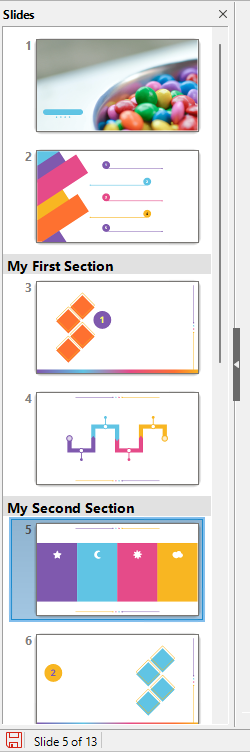
- Custom slide names are shown next to the slide number in the Slide Panel
- Numbered lists can now be switched to bulleted lists
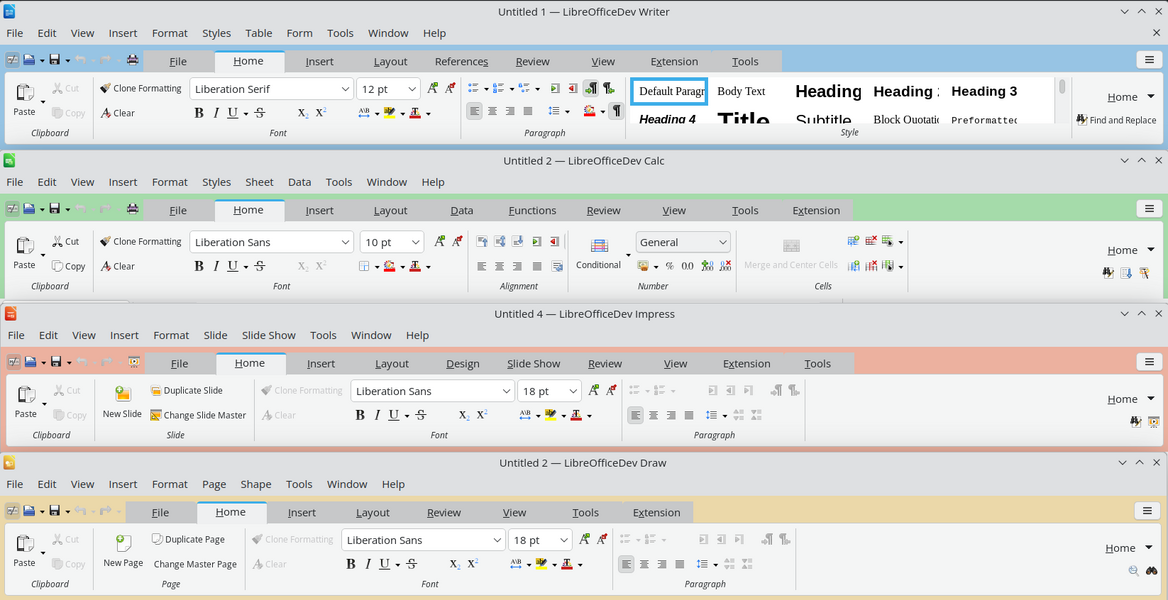
- Theme colors are available from the tabbed interface in Impress
- Draw can swap mouse wheel zoom and scroll
General
- Existing table styles in Writer and Calc can now be edited
- Changes to the application theme colors apply right away, with no restart
- More paper sizes: A0, A1, A2, B0, B1, B2 and B3
- Keyboard shortcuts can be customized for an individual document
- Documents created in other UI languages now display with their intended fonts
Free your ideas
Ready to switch to a suite that respects your privacy?